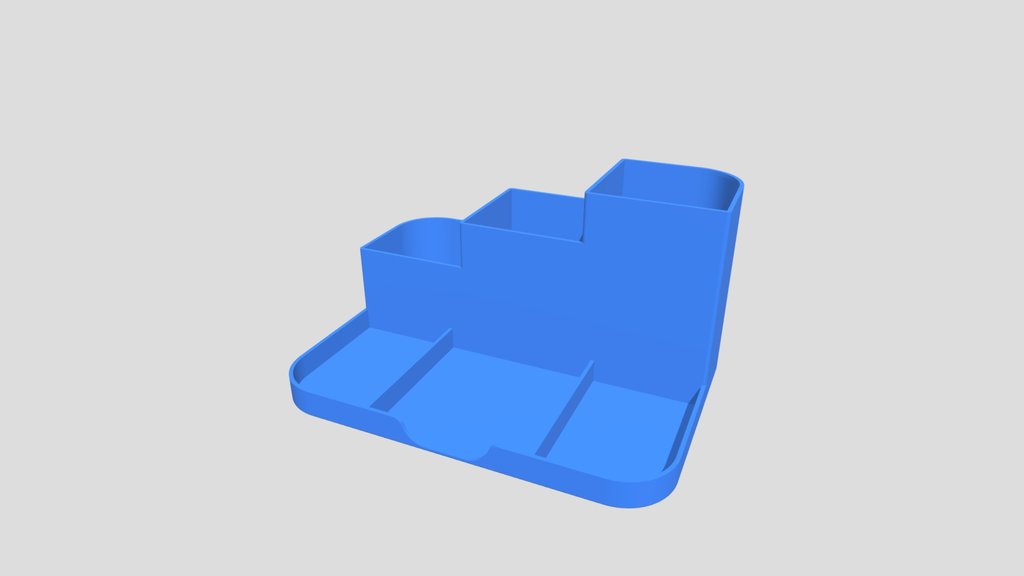
 RECENT RELEASESketchfab
3D Printable Desk Organiser
by EwanLejkowski · Source-listed model
CC Attribution ·
Search 42 public model and CAD sources from one place. If the closest file still needs work, PrintWhat helps you take the next step.
No exact match? Start a custom model brief
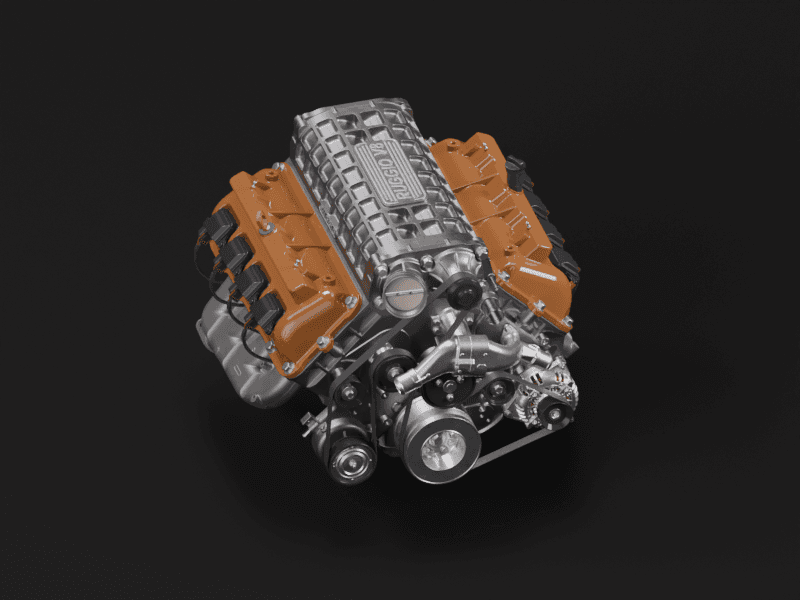
NVIDIA SimReady · CC BY 4.0
USD simulation asset. Conversion and printability checks are needed before printing.Useful parts, desk accessories and printable designs from public source listings. Check the original files and license before printing.
RECENT RELEASESketchfabby EwanLejkowski · Source-listed model
CC Attribution ·
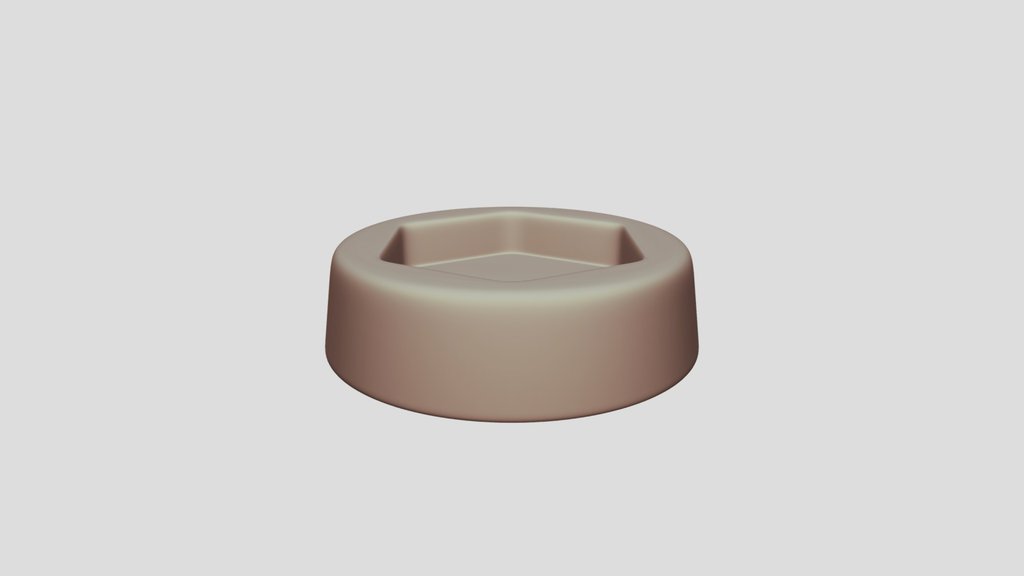 PRINT-FOCUSEDSketchfab
by IHDR Lab · Source-listed model
CC Attribution-NonCommercial ·
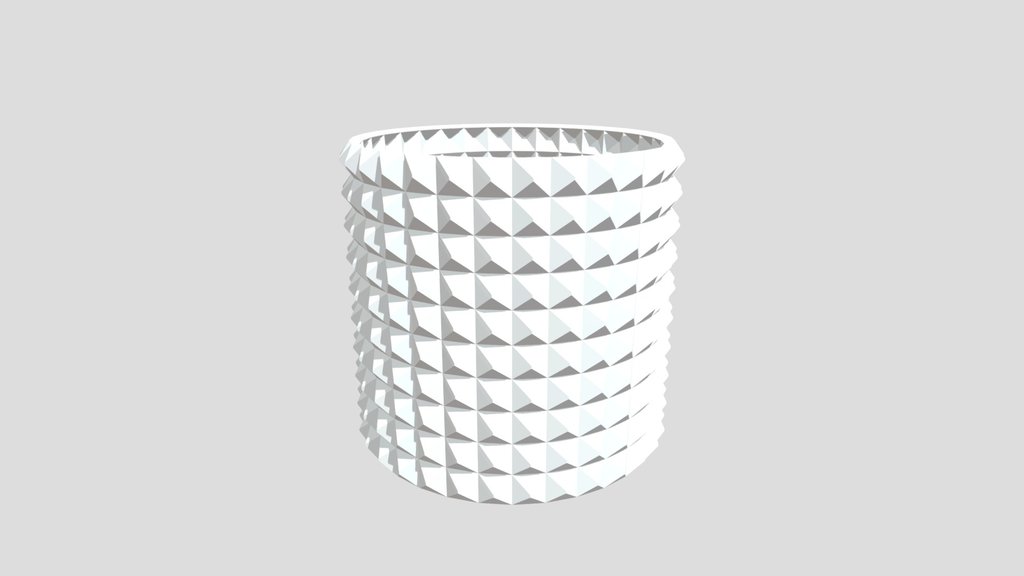 PRINT-FOCUSEDSketchfab
by jehad.alhallaq.95 · Source-listed model
CC Attribution ·
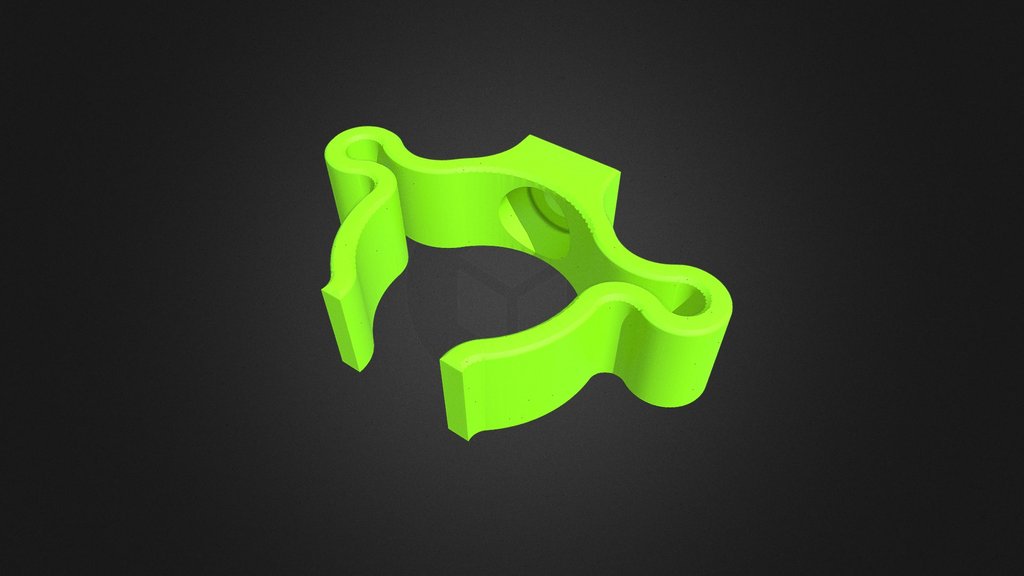 PRINT-FOCUSEDSketchfab
by HardLine · 2 source likes
CC Attribution ·
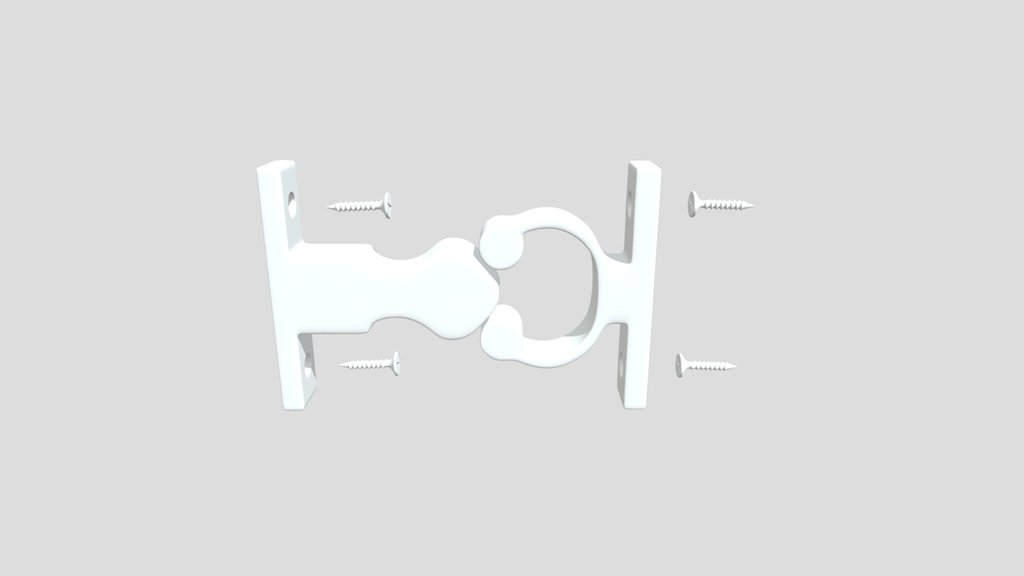 PRINT-FOCUSEDSketchfab
by Neme · Source-listed model
CC Attribution ·
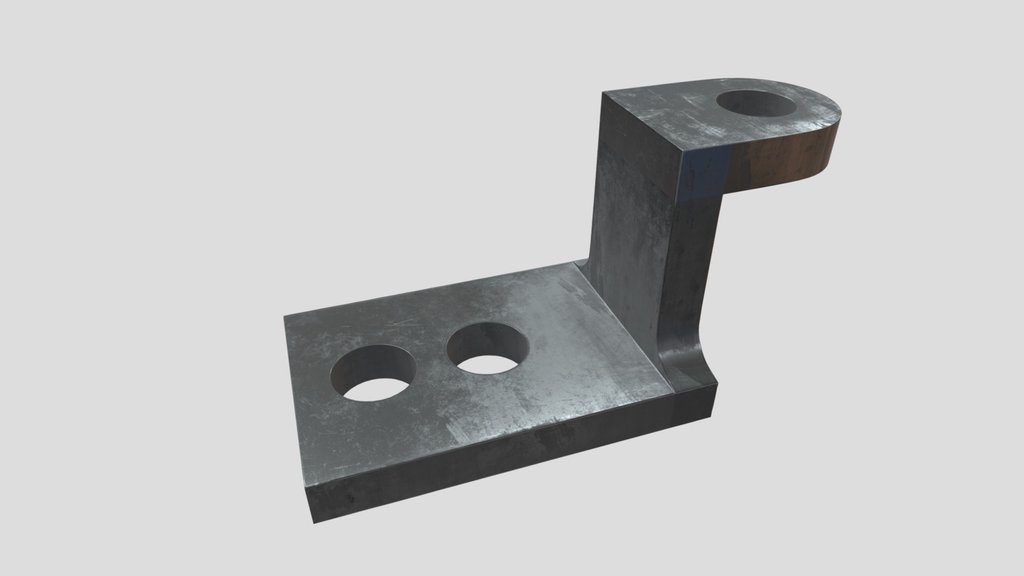 PRINT-FOCUSEDSketchfab
by zhenyazybko17 · 1 source likes
CC Attribution ·
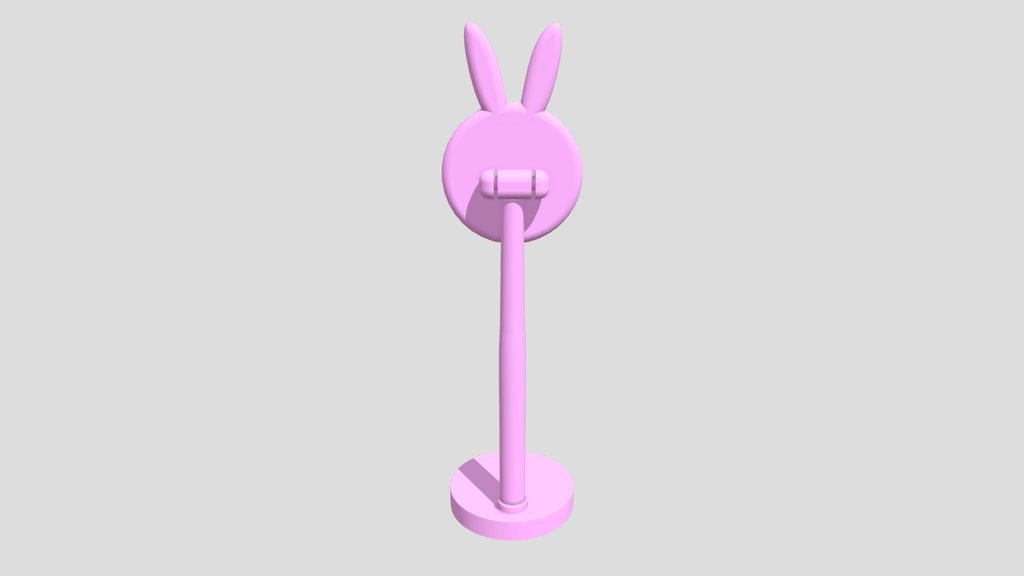 PRINT-FOCUSEDSketchfab
by kaifsaifi9887 · 1 source likes
CC Attribution ·
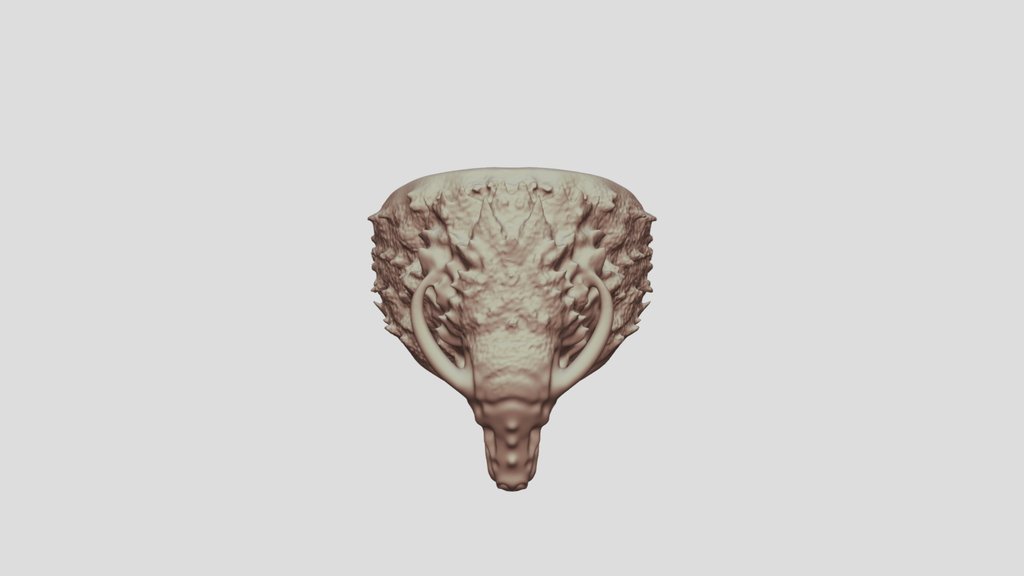 RECENT RELEASESketchfab
by artmyworks · Source-listed model
CC Attribution ·
Why these models? Source titles or tags indicate printing intent; this is a selection, not a global popularity ranking. Likes are a checked source snapshot. Confirm files, scale, license and safe use on the original site.
A near match can be edited. A missing object can be designed. A finished model can move toward printing.
NVIDIA SimReady expands PrintWhat search beyond traditional STL libraries with USD models of recognizable tools, vehicles, equipment and scene objects. They are useful for discovery and reference—but simulation-ready is not automatically print-ready.
Before fabrication: preserve dependencies and attribution, then check units, topology, wall thickness, clearances and assembly.
Short, practical guides for the decisions that usually slow a search down.
Browse every guide